Announcements and attendee messaging
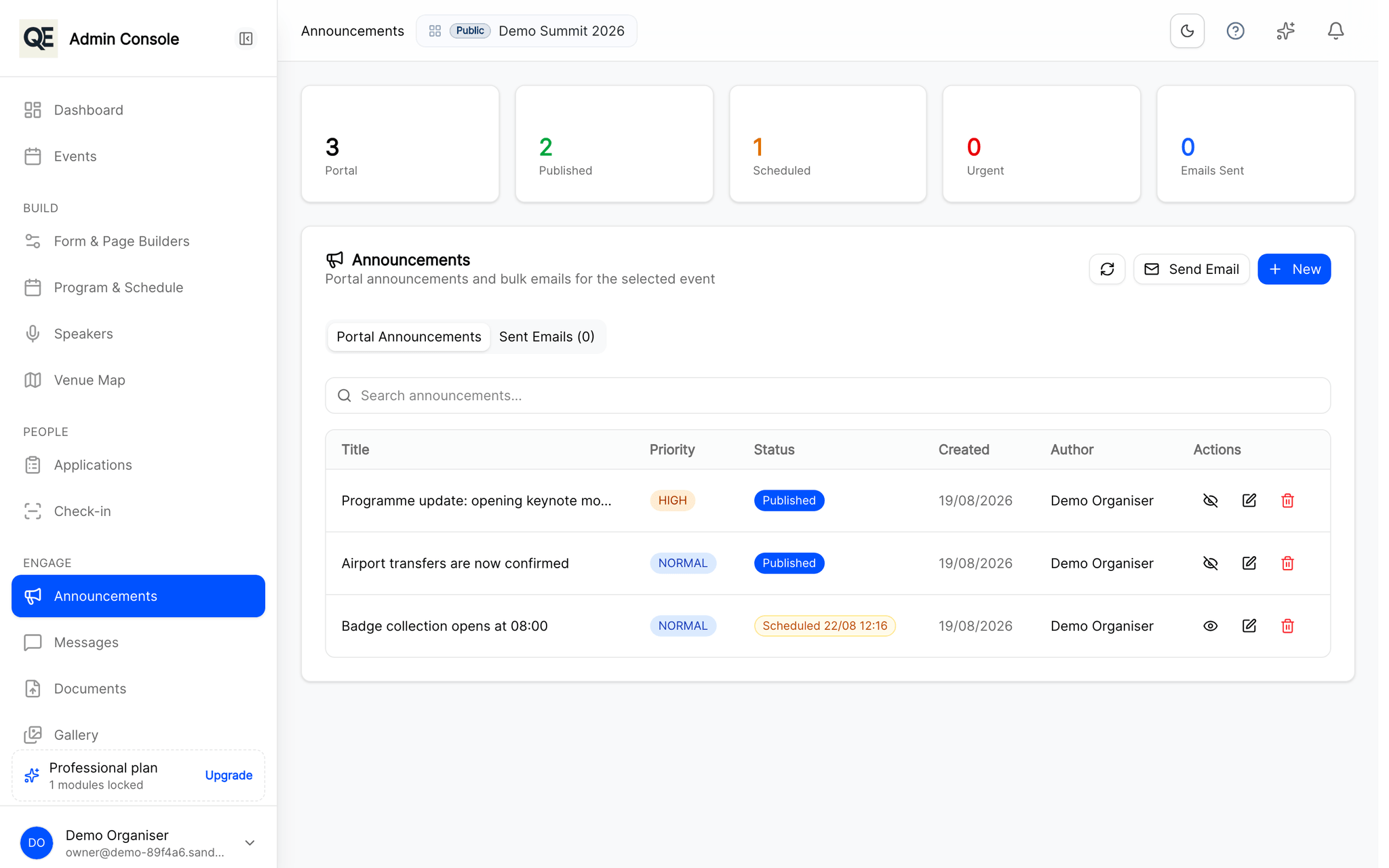
Publish an agenda change once and reach everyone by e-mail and in the guest portal at the same time, with no copy-paste between tools.
The copy-paste round trip
Announcements usually mean exporting addresses, pasting them into a mail tool and hoping the list was current. Anyone approved yesterday is missed, and anyone who cancelled still gets it.
How it works
Write it once
Compose the announcement in the organiser panel, no export, no second tool.
It reaches people two ways
E-mail for people who are not in the portal right now, and the portal itself for people who are.
The audience is always current
The recipient list is the live guest list, so approvals and cancellations are already reflected.
Related
What usually goes with this
Agenda and session management
Publish the programme once and every guest sees the same agenda, in their own portal and on their phone, updated the moment you change it.
Read moreRegistration approvals and invitations
Review every registration before it counts. Approve, send it back for corrections, or invite guests directly with a personal link.
Read moreBuild your registration forms
Text, choices, files. Change them without a developer.
Read more
Questions
- Can I message one guest rather than everyone?
- Yes. Alongside announcements there is direct messaging, so a single question does not need a broadcast.
Ready when you are
Set up your organization, publish your first event and open registrations, you can do it in one sitting.
- Real organiser panel
- Registrations and check-in
- Your own public event page