Build your registration forms
Text, choices, files. Change them without a developer.
The problem with a fixed form
Most tools give you a fixed set of fields and a spreadsheet to patch the gaps. So the dietary requirement lives in one place, the passport number in another, and the person checking guests in has neither.
How it works
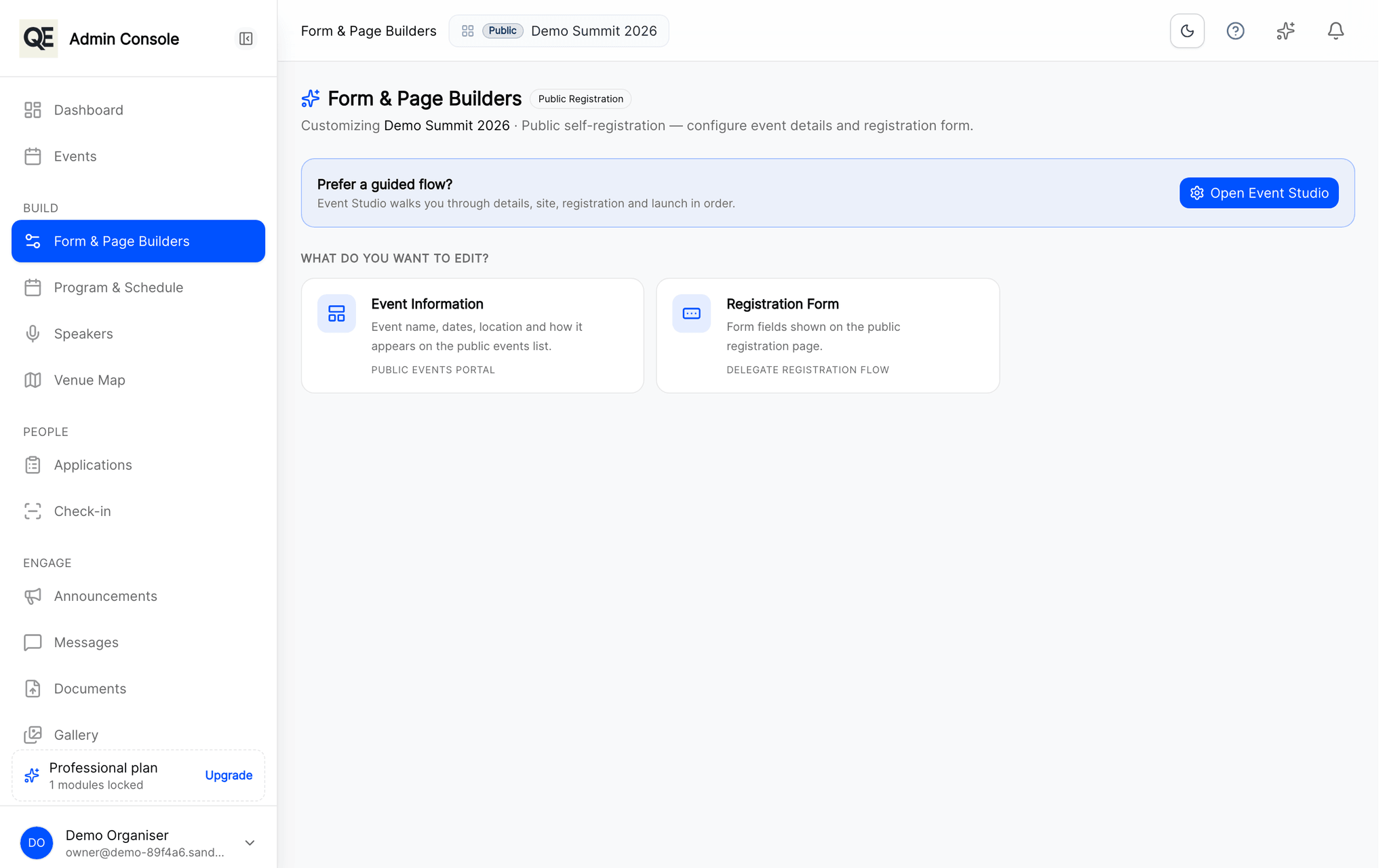
Choose what you ask
Short text, long text, single and multiple choice, dates, file uploads. Mark a field required when the answer is not optional for you.
Ask only where it applies
Sections can be turned on for the guests they concern, accompanying persons, social programme attendance, travel details, so nobody wades through questions that are not theirs.
Mark what is sensitive
Fields you flag as sensitive are encrypted at rest. You decide what counts as sensitive for your event, not the tool.
Change it while registration is open
Add or reword a question after launch. Existing answers stay where they are.
Related
What usually goes with this
Registration approvals and invitations
Review every registration before it counts. Approve, send it back for corrections, or invite guests directly with a personal link.
Read moreDigital badges and QR check-in
Every approved guest gets a digital badge. Scan it at the door with a phone and watch arrivals appear in real time.
Read moreTeam roles and audit trail
Give each colleague only the screens they need and keep a record of who changed what, so you can answer that question months later.
Read more
Questions
- Can guests upload documents?
- Yes. File upload fields accept documents and images, for example a passport copy, a photo for the badge or a signed form.
- Can I see what someone answered after they registered?
- Yes. Every answer is visible on the guest record, and you can export the whole list as CSV at any time.
Ready when you are
Set up your organization, publish your first event and open registrations, you can do it in one sitting.
- Real organiser panel
- Registrations and check-in
- Your own public event page