Digital badges and QR check-in
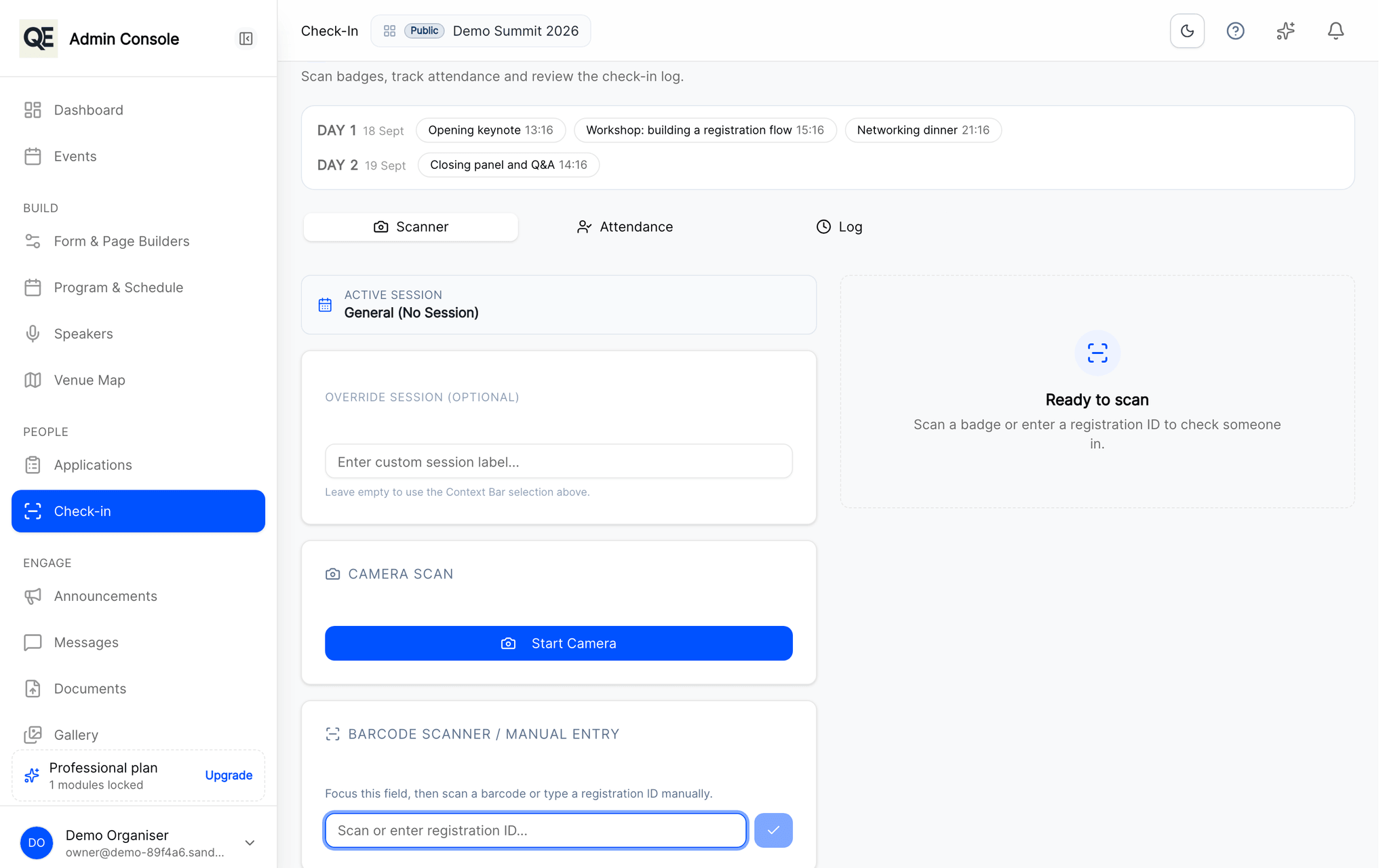
Every approved guest gets a digital badge. Scan it at the door with a phone and watch arrivals appear in real time.
The queue at the door
A printed alphabetical list is fine until two people arrive at once, someone is not on it, and nobody at the desk can tell whether they were approved or rejected.
How it works
Badges are issued automatically
Approval generates the badge. The guest carries it on their phone; nothing has to be posted or collected.
Scan at the door
Front-desk staff scan with a phone. Approved, already checked in and not approved are three visibly different answers.
Watch arrivals live
Check-ins appear immediately, so you know how full the room is before the session starts.
Related
What usually goes with this
Registration approvals and invitations
Review every registration before it counts. Approve, send it back for corrections, or invite guests directly with a personal link.
Read moreTeam roles and audit trail
Give each colleague only the screens they need and keep a record of who changed what, so you can answer that question months later.
Read moreAgenda and session management
Publish the programme once and every guest sees the same agenda, in their own portal and on their phone, updated the moment you change it.
Read more
Questions
- What if a guest has no phone with them?
- Staff can find the guest by name in the panel and check them in manually, the scan is the fast path, not the only path.
- Can front-desk staff see the whole guest list?
- Only if you let them. Roles decide which screens each colleague can open, so check-in staff can be limited to check-in.
Ready when you are
Set up your organization, publish your first event and open registrations, you can do it in one sitting.
- Real organiser panel
- Registrations and check-in
- Your own public event page